


I've been an avid user of Raycast since I first started using it some years ago and I have discovered so many amazing ways to use this as part of my day-to-day workflow. The examples shared below are only the tip of the iceberg. If you’d be interested in hearing how I have configured Raycast to be a powerhouse of productivity, leave a comment below and let me know what you’d like to see.
Top 5 time-savers
Window resize
Let’s start with the most relevant one. As soon as I start my day, and the computer, I have all my usual apps open to help me get through the day. Depending on the task at hand, I may need to see some things side-by-side, and for that, I turn to the “Window Management” app.
By typing, I can easily split, resize and configure all my windows in a couple of keystrokes. To make life even easier, I have some shortcuts to get me there even faster. Here’s my setup:
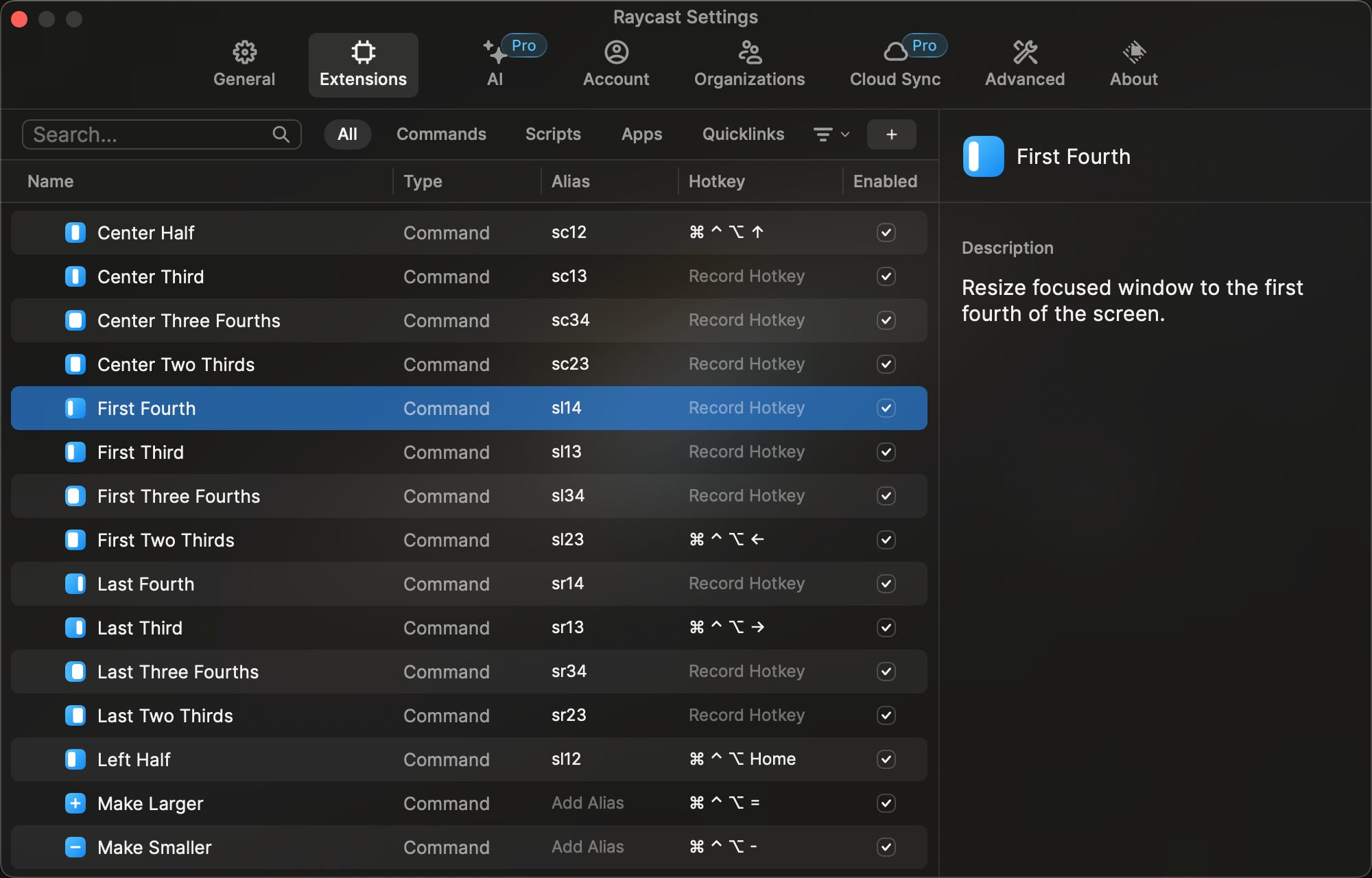
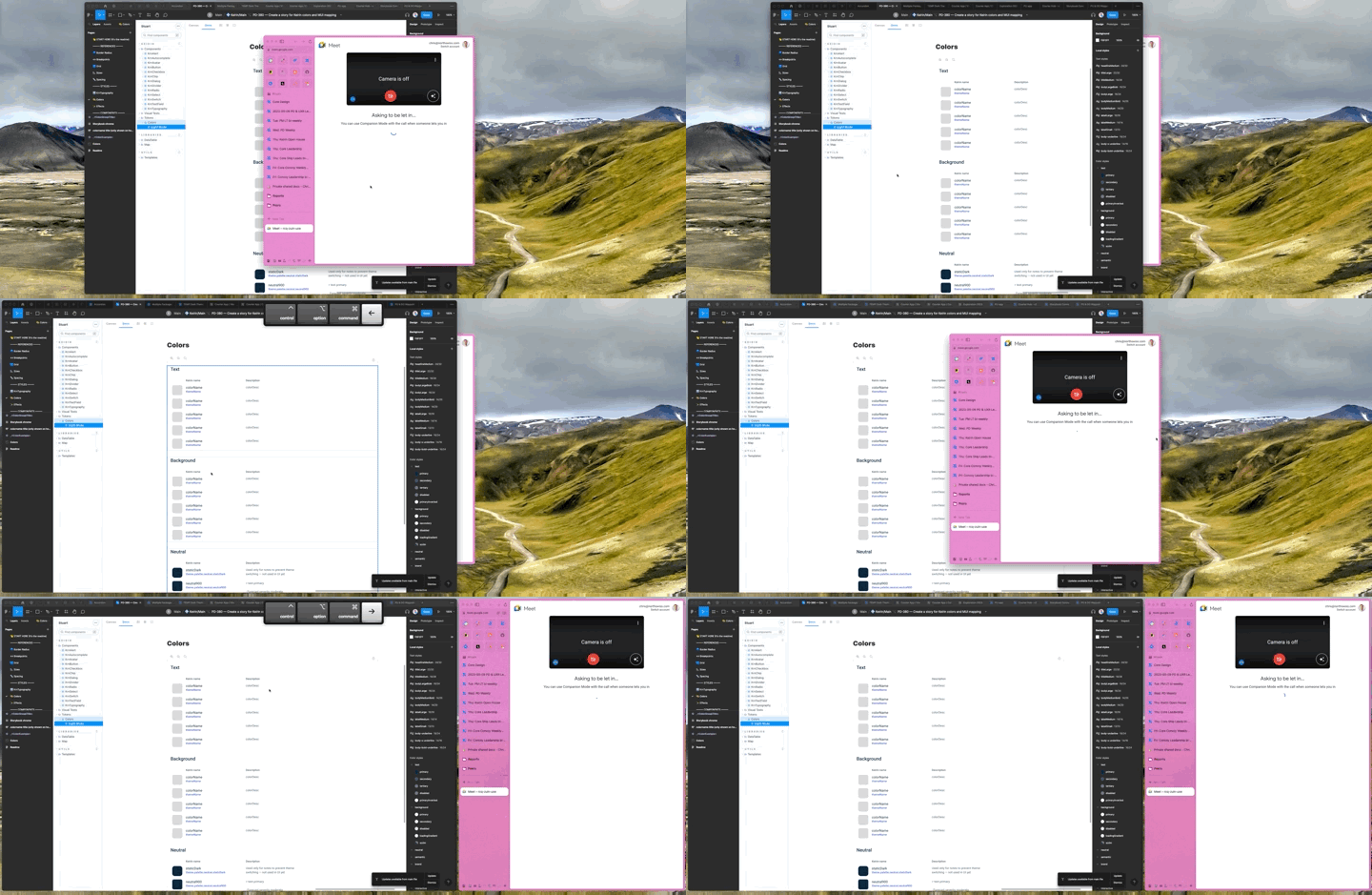
With a window in focus, I can quickly whip one over to the left two-thirds and have another to the right as the last third. This is great when I am on a call in the browser and I want to follow along on Figma. Here’s how that looks in action:
Join a meeting in less than 1s
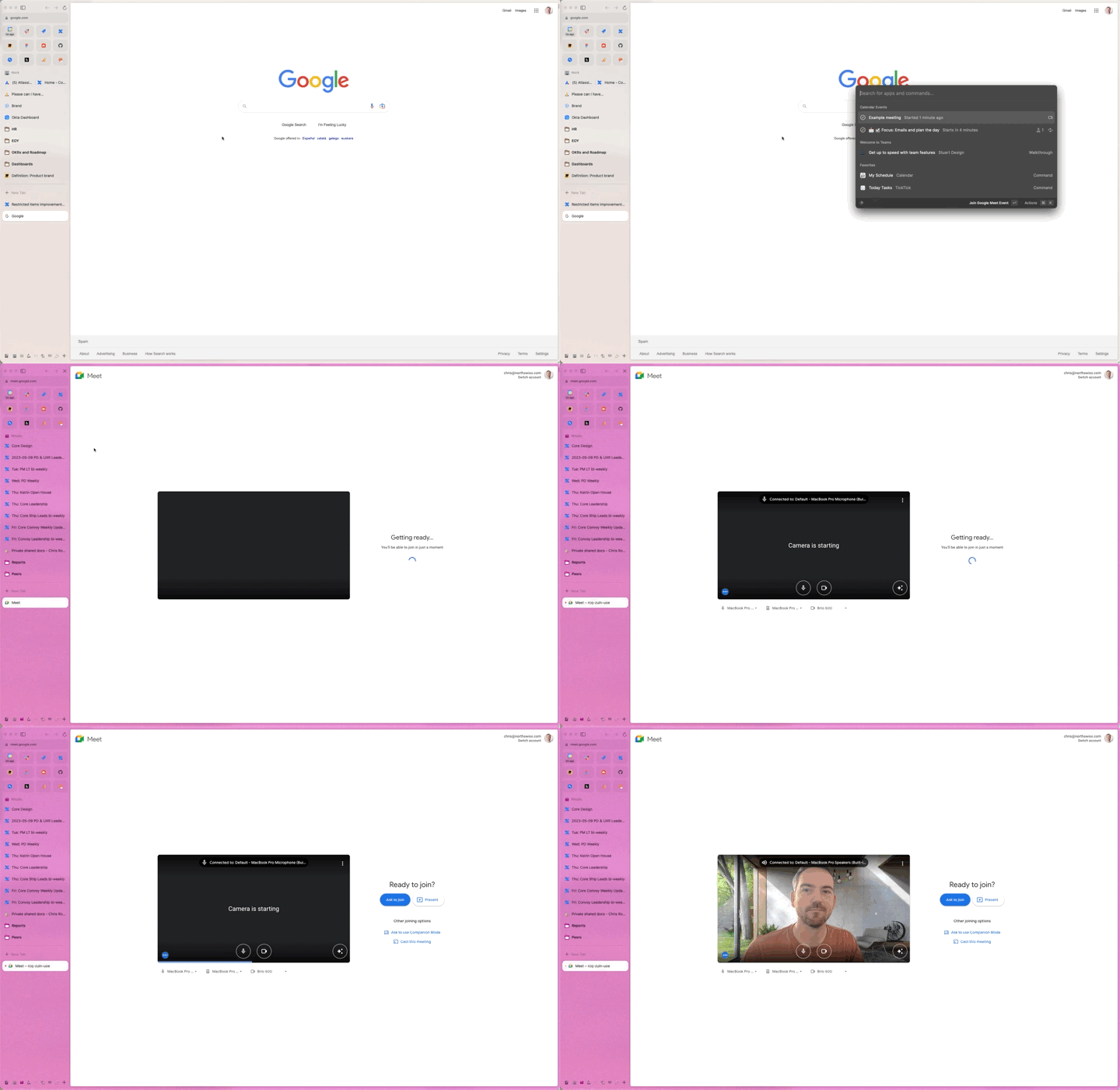
Working remotely has definitely made it easier to quickly jump into that next meeting. No more running up and down stairs, waiting for elevators or frantically knocking on doors to evacuate the squatters from your booked room. However, you still need to jump to your calendar tab — or open it — and then move the mouse to the event, click, open, join the meeting and wait for it to load.
With Raycast, I simply hit my ⌘ + Space shortcut to bring up Raycast and hit Enter and voila — I’m in the meeting.
Pro tip: Since Arc has launched its new Air Traffic Control feature, I can now define where to route all my Google Meet “traffic”. For me, this lands in a Space I have named Rituals, which is where I have all my weekly meeting agendas ready and waiting for me.
Copy and paste
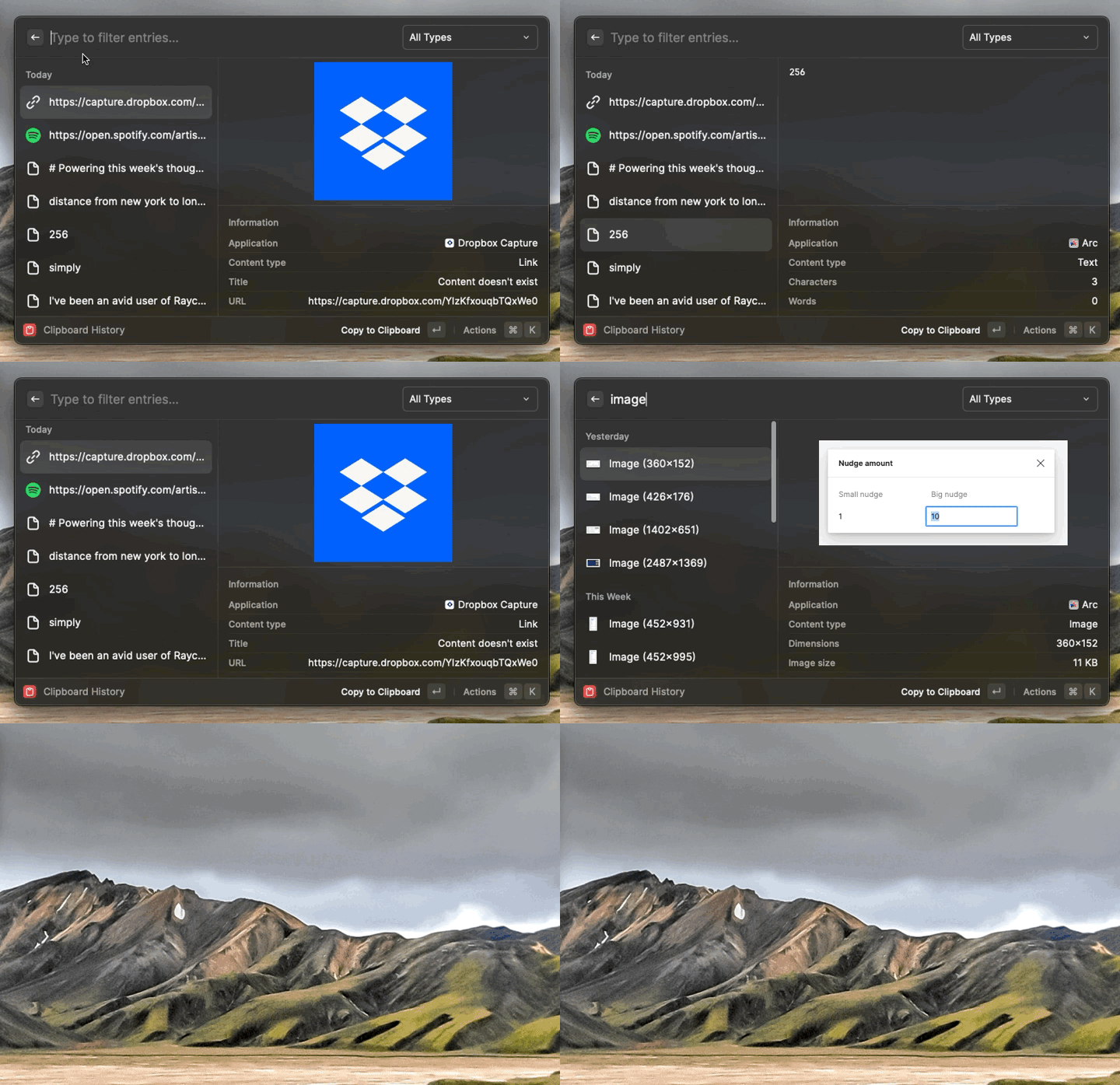
Simple, but powerful. After checking, I copied 50 things to my clipboard yesterday — and that was a quiet day. Traditionally after you copy something it gets stored on your clipboard. But sometimes you want to retrieve not the last link, word, or hex code, but the second-last, or even that one from earlier in the day.
With Raycast it’s a breeze. I’ve set up a ⌃ + ⌥ + ⌘ + C shortcut that drops me right into my Clipboard History. From there, I can simply navigate through everything I have copied in chronological order, or I can search through everything I have copied. This works for both text and images and saves me a tonne of time each day!
Word definitions and synonyms
Sometimes I find myself writing and using a word that feels right but I’m not sure if it’s the right use given the context. In those moments I simply copy the word, hit ⌘ + Space and paste. By default, it will offer up the Define Word app. Hit Enter and I can now browse through the results and check the various definitions to see if it makes sense.
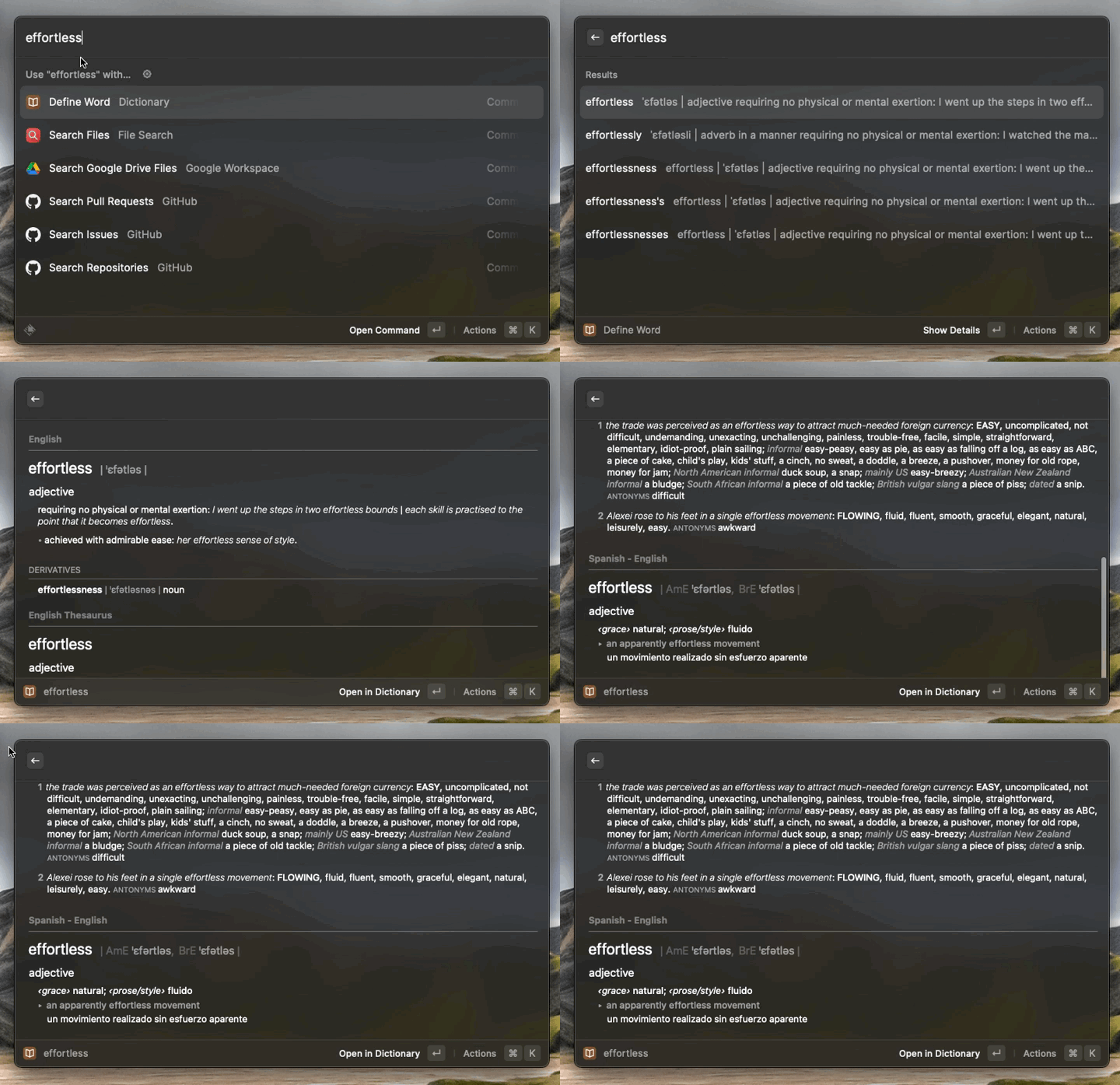
Pro tip: Because I have Spanish set up, you will also notice that I get examples in Spanish for each word that I look up.
Calculator
Last but not least, when doing some brain gymnastics to figure out how much something costs, or working out measurements for day-to-day things, you can do simple (or complex) equations straight from Raycast. As an added benefit, hitting enter closes the window and copies the result and it is now saved to that Clipboard History I mentioned above — nice!
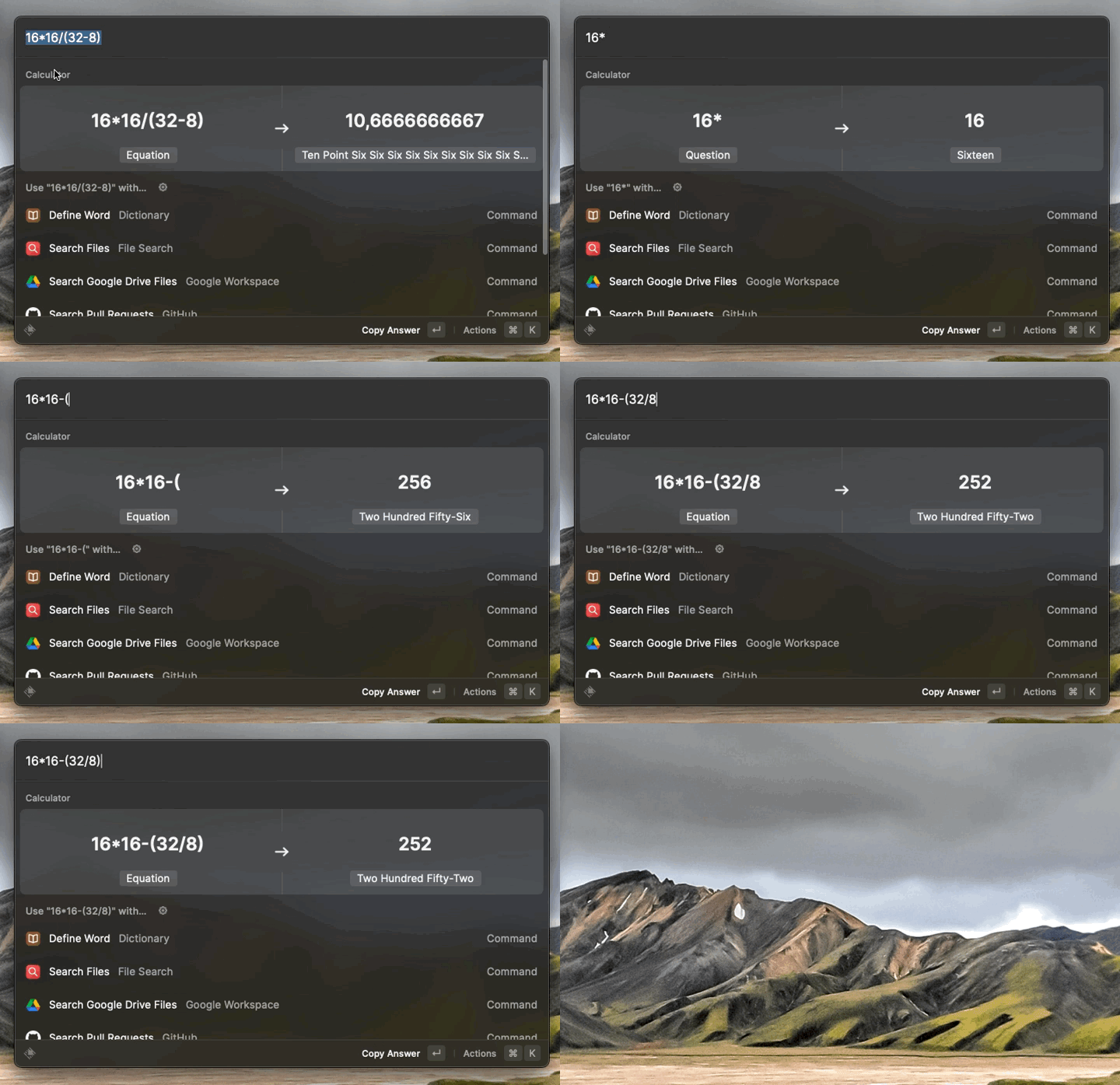
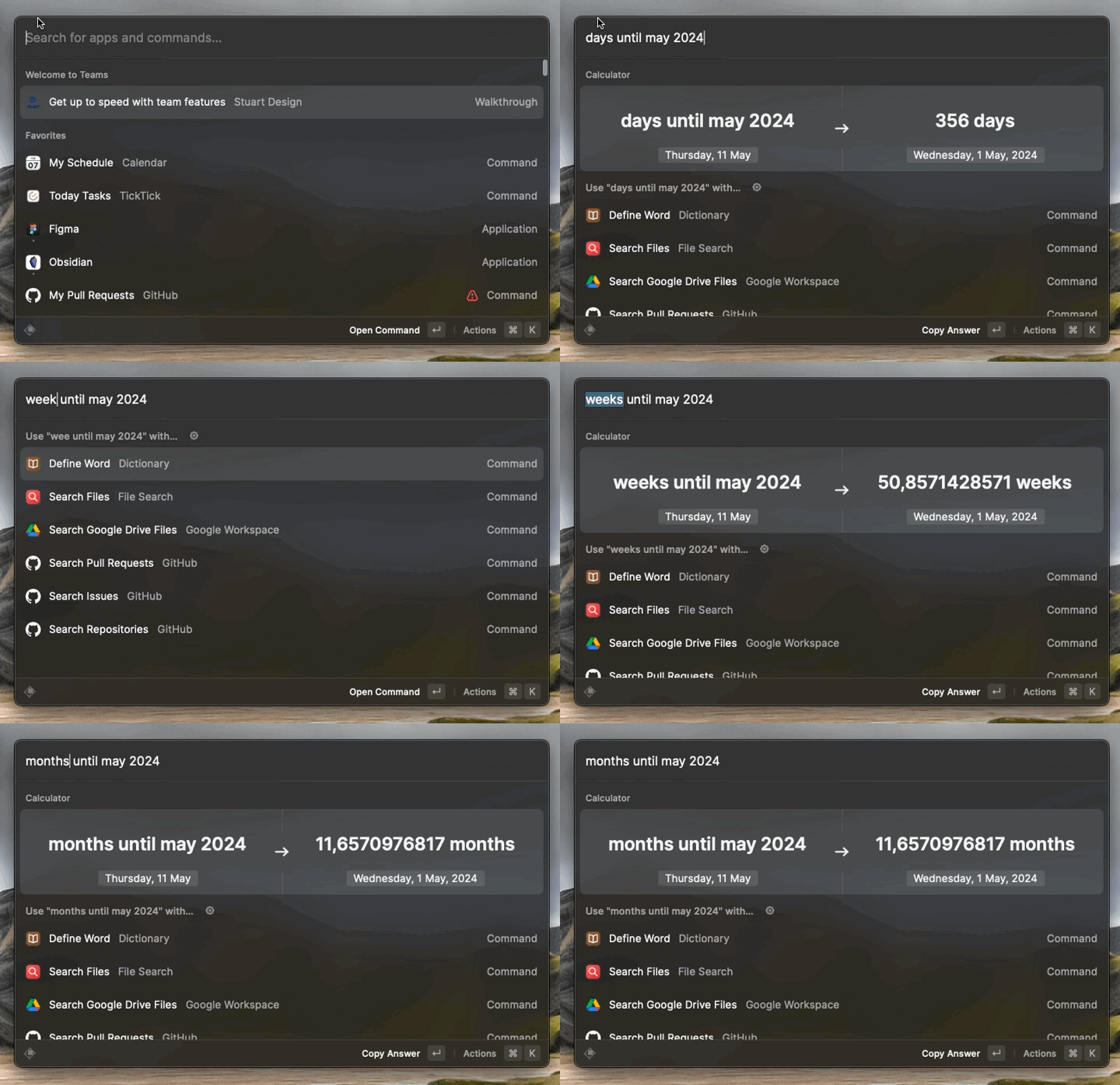
But, that’s not the only thing you can calculate. You can also calculate things like “Days until…” which can be useful when counting down to a big day.
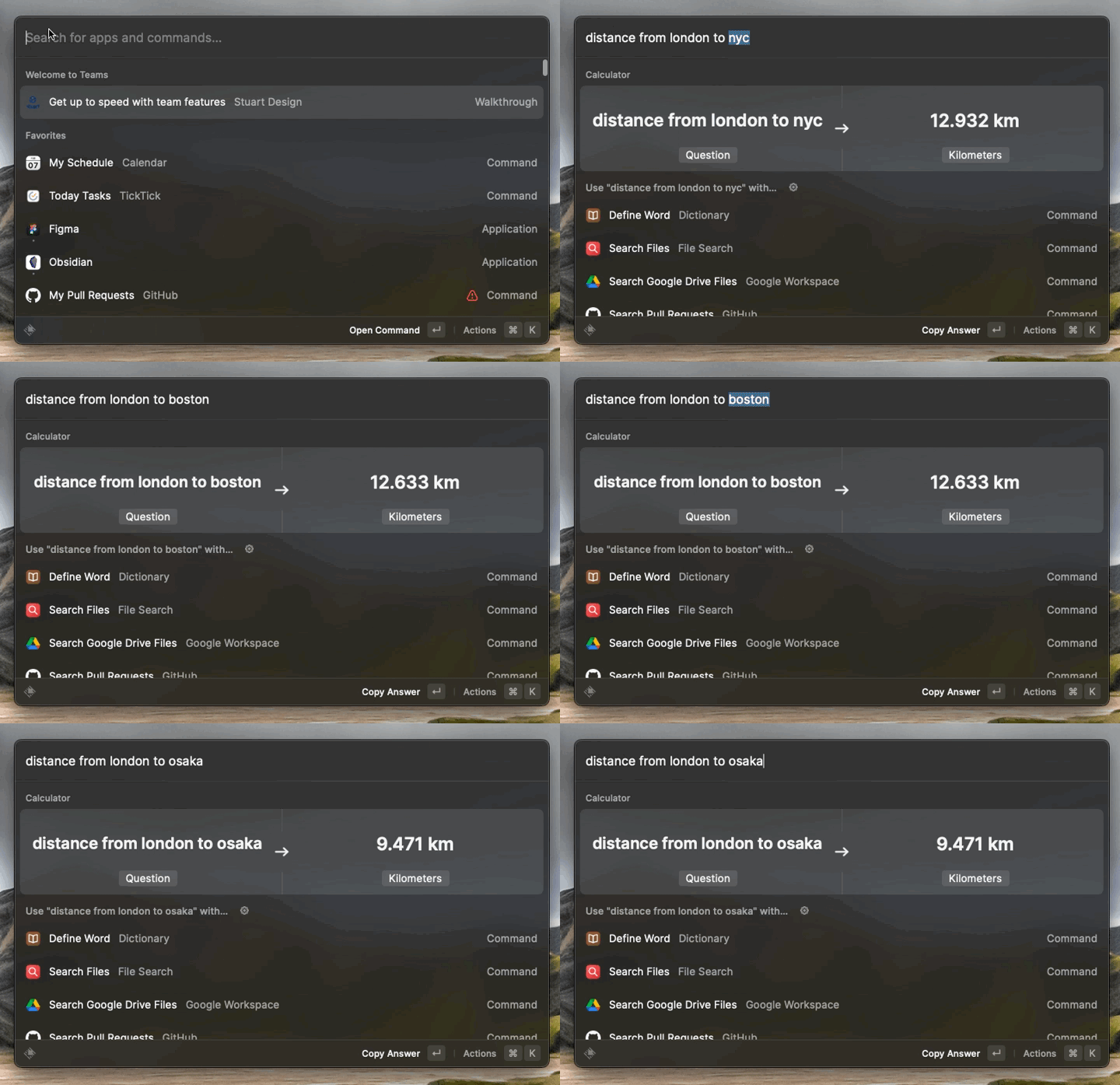
Another example would be figuring out the general distance between points. For example, did you know that the distance from new york to London is 12,932? Well, now you do.
Powering this week's thoughts
Music plays such an important role when I am thinking, working, and reflecting. I also find it interesting to see what others are listening to. It's a gateway into an aspect of their personality. That's why I'd like to share, with each article, an artist or playlist that I have been listening to that week. Here's this weeks: