


For those that know me, I am a crazed early adopter who is always looking to stay ahead of the curve and be inspired by new takes on old problems. And it goes way back. I remember dipping my toes into the Coda pool as an alternative to Dreamweaver. Yes, that long ago!
As a disclaimer, I have zero affiliation with any of these tools listed below and my preferences and opinions are based purely on using these apps extensively in my day-to-day work as a designer, coder, and leader.
I'll break each section down into various categories and, where relevant, cover some of the alternatives that have led me to that place. So, without further ado, let's dive in...
Browsers
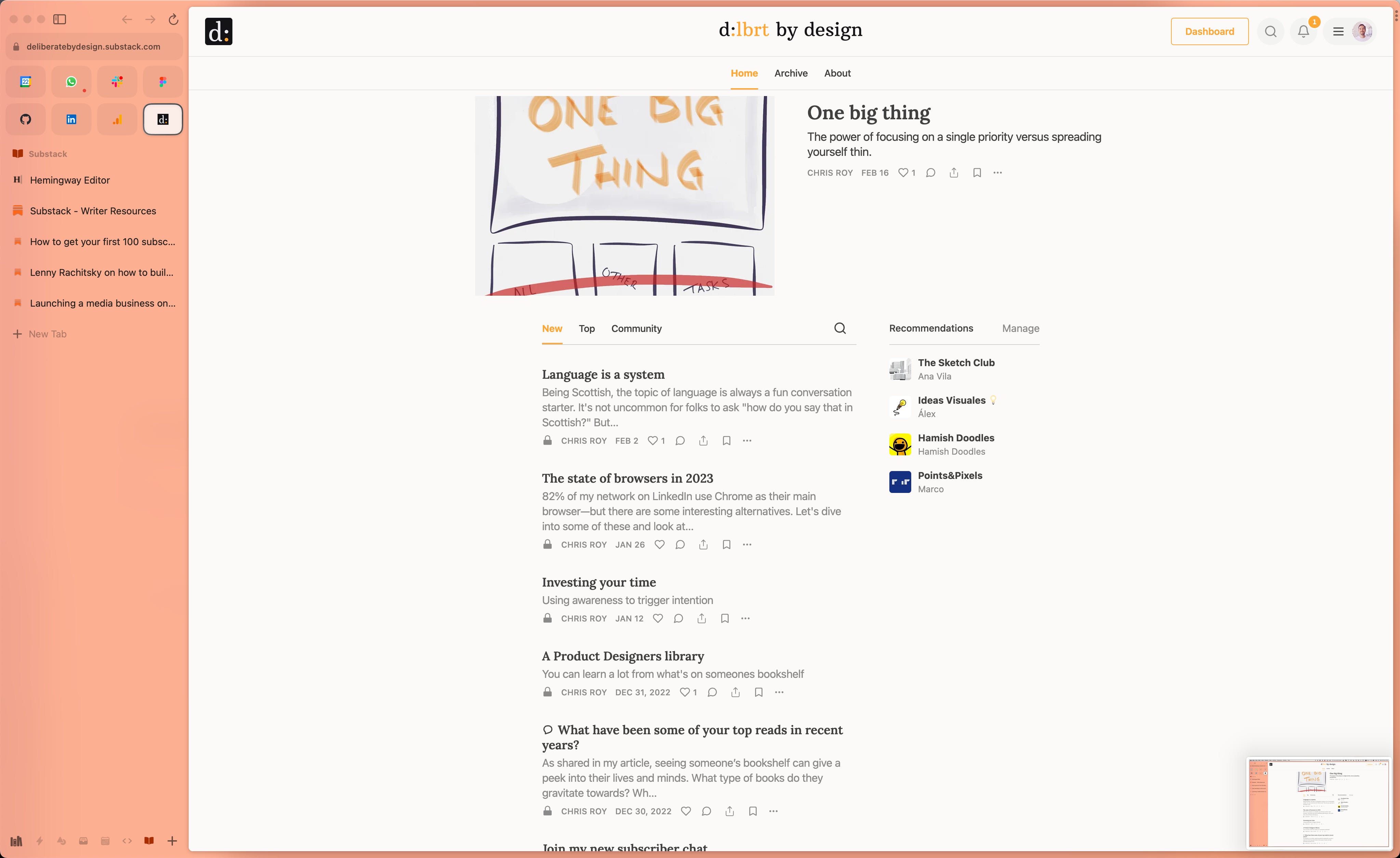
Tool of choice: Arc
Following up on my recent article on my latest browser find Arc, I have quickly grown to love this as my default browser. It's become such a delight to use that I have now started favouring web-based apps in the browser vs their standalone counterparts simply because it’s a joy to work in this space.
Alternatives
Before Arc, my browser of choice was a heavily customised Vivaldi set-up. Some of my favourite features were the way you could customise tab stacking and grouping and also have a separate "web panel" for easy to reach web apps.
I'd moved away from Chrome a long time ago through privacy fears, and stumbled across Brave — marketed as a more private version of Chrome. Their stat counter on the new tab screen was pretty powerful. Living in a van at the time, saving all of those extra network requests and MBs for ads and tracking was a nice little detail.
Design tools
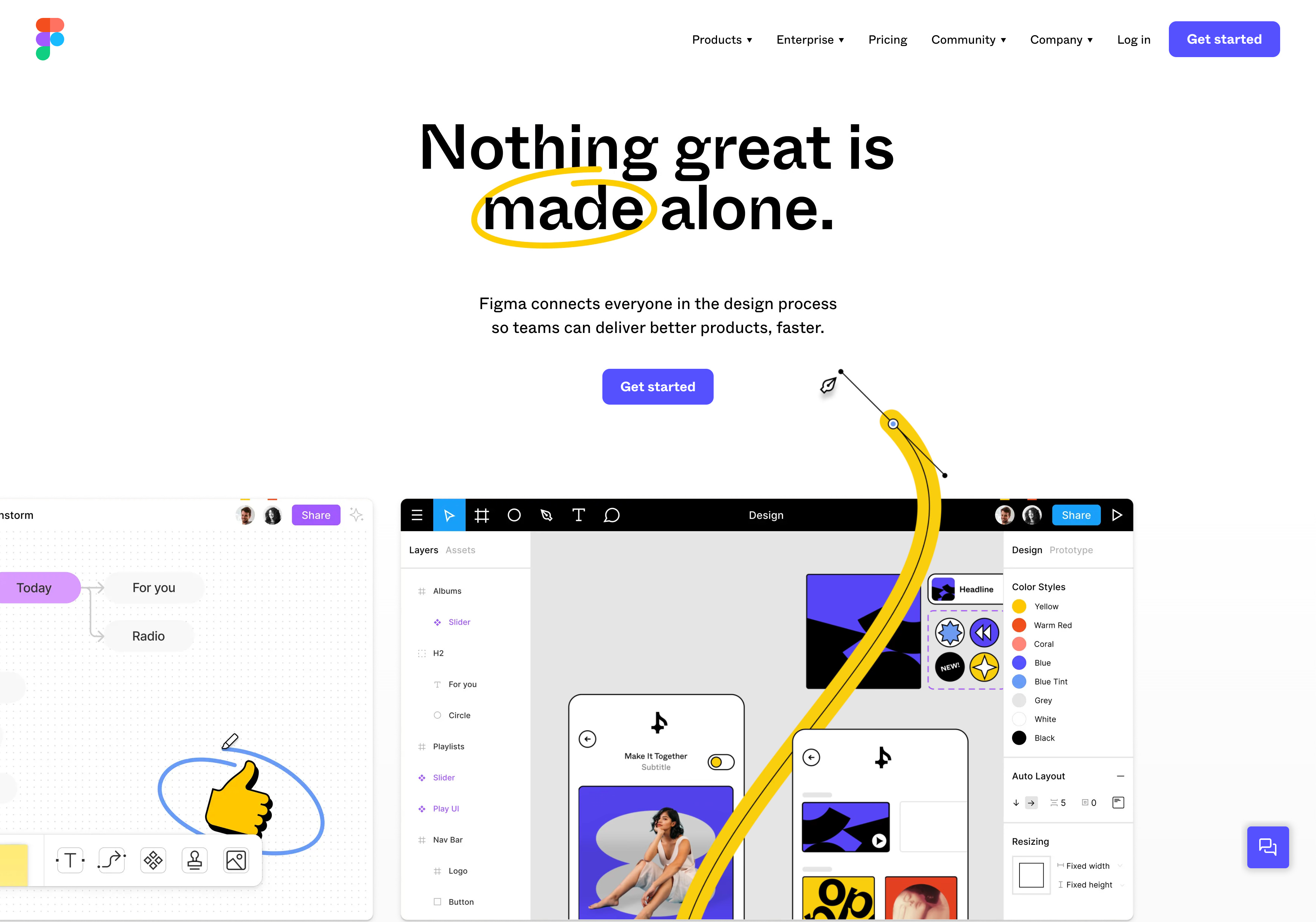
Tool of choice: Figma
It will likely be no surprise that my weapon of choice here is Figma. After sharing publicly my reasoning for switching the design team at TravelPerk to Figma (in place of Sketch) I have never looked back since. Sure, it's not perfect but it's a pretty reliable tool that I reach for all design projects and even presentations.
Alternatives
An interesting open-source alternative which appeared on my radar sometime last year was Penpot. It looks like a watered-down, less polished version of Figma, but shows promise in opening up the design ecosystem, especially since Adobe's acquisition of Figma last year.
Before Figma, I had been a strong advocate of Sketch, hosting their design chapter in Barcelona before converting that Meetup to the more broad-reaching "Product Design Barcelona". I believe Sketch is still a pretty powerful design tool but never seemed to fully embrace the cloud way of working (at least the last time I checked in).
If I wanted to take you way back, I would share that I leaned quite heavily on Axure when doing some heavy UX and Interaction Design work. You could build some pretty complex and interesting prototypes back then. The problem was knowing where to stop. Sometimes I was best just jumping straight into code.
An interesting, and more modern, contender to Axure was UX Pin which I had kept an eye on for a while but their pricing had always put me off getting started. For some time now, they have taken a strong stance on connecting design and code which has always been an interesting space to explore. But $112/month? No thanks.
Task management
The winner: TickTick
My life would look very different without this little powerhouse of an app. One key thing that I need in an effective task management app is cross-platform support and this handles that very well. A lot of the similarly polished apps only work on the Apple ecosystem (I'm an Android phone user, don't hate).
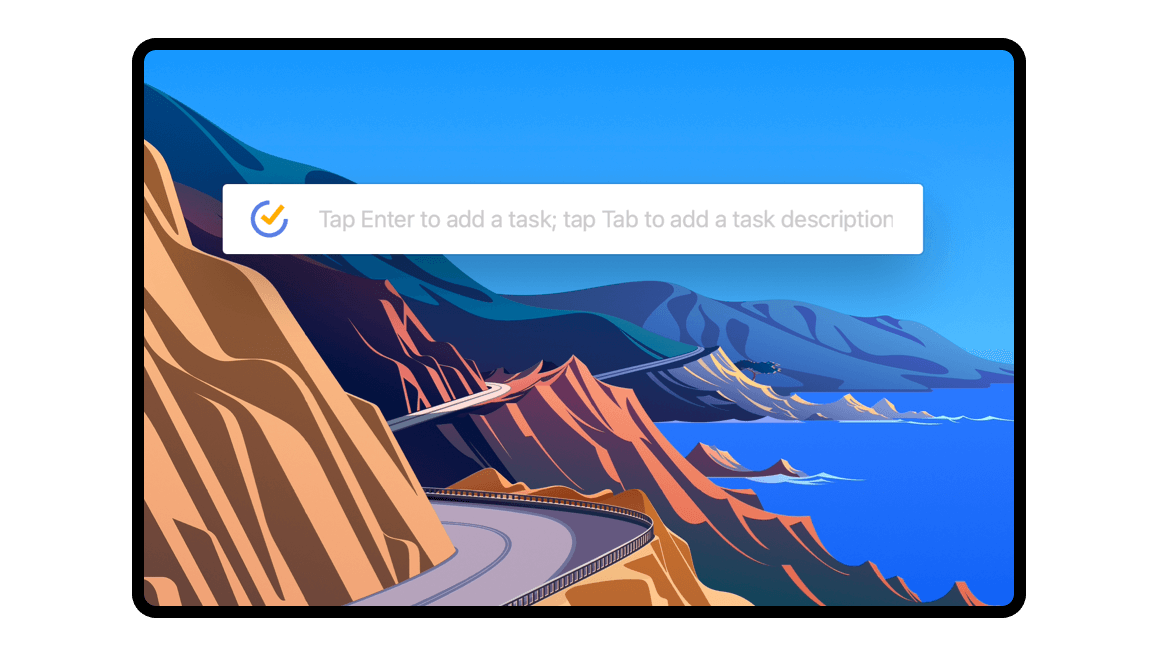
One of the killer features of this app is the ability to pull up a Spotlight-like bar from any screen that you are on, type in your task with natural language parsing, and then get back to what you were doing. Despite my need to switch things up, I've stuck with this app for many many years now and remain impressed each day.
Alternatives
At work, we lean heavily on Jira for teamwork which despite its bad name has made a lot of improvements over the years. The levels of customisation are both its blessing and its curse. My biggest critique on this one is the performance. Some pages still require a refresh to get the latest info, and sometimes it feels like you should brew a coffee while you are waiting.
One that I have been keeping my eye on, but have not yet had the pleasure to work with yet, is Linear. It's a Jira alternative that simply looks miles ahead in terms of design, performance, and productivity enhancers. If anyone has worked with this, I would be interested to hear from you.
If we want to go way back, I had used Asana a lot in the past due to the keyboard navigation prowess. As a shortcut-kinda-guy, this was a huge hook for me and at the time it was pretty uncommon to navigate so seamlessly with your keyboard.
Calendar
The winner: Google Calendar
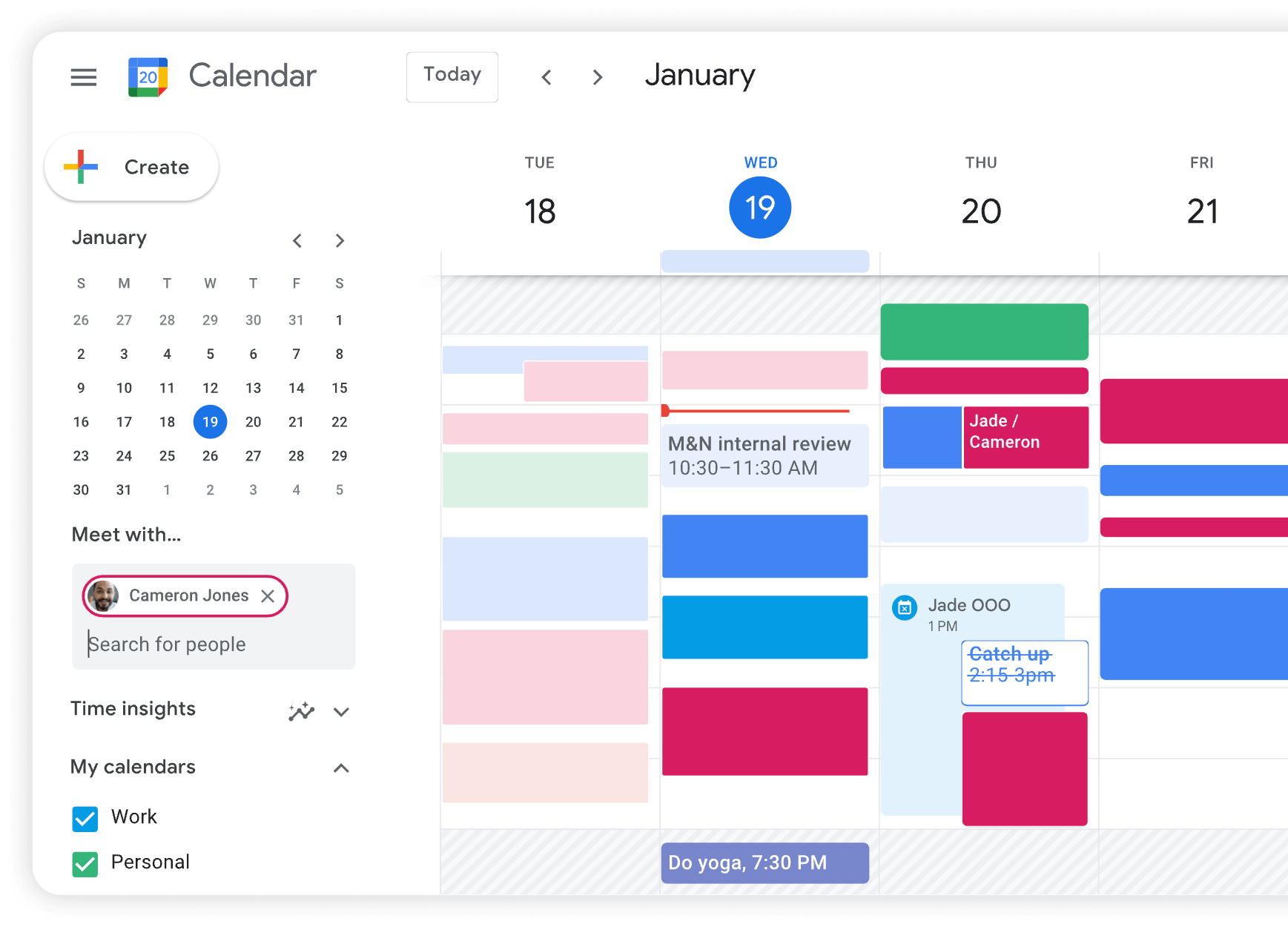
Despite my distancing from Chrome and GMail, I have not yet found a decent calendar app to replace Google Calendar. Given that most companies I have worked with use Google Workspace, it's always handy to tap into that ecosystem when it comes to meetings.
Plus recently they launched their time insights feature which has been a welcome addition to a better understanding of where all of that time goes. If you are interested in the topic of managing your time, check out these two previous articles: Meetings: done right and Investing your time.
Alternatives
I had given Cron a test drive last year when I first came across it but having a standalone app for something that is so easily accessible in a tab just felt like overkill. I also didn't see any huge benefits to this vs using Google Calendar. Maybe one day I will check back, but for now, I'll stick with old faithful.
Ideation and workshopping
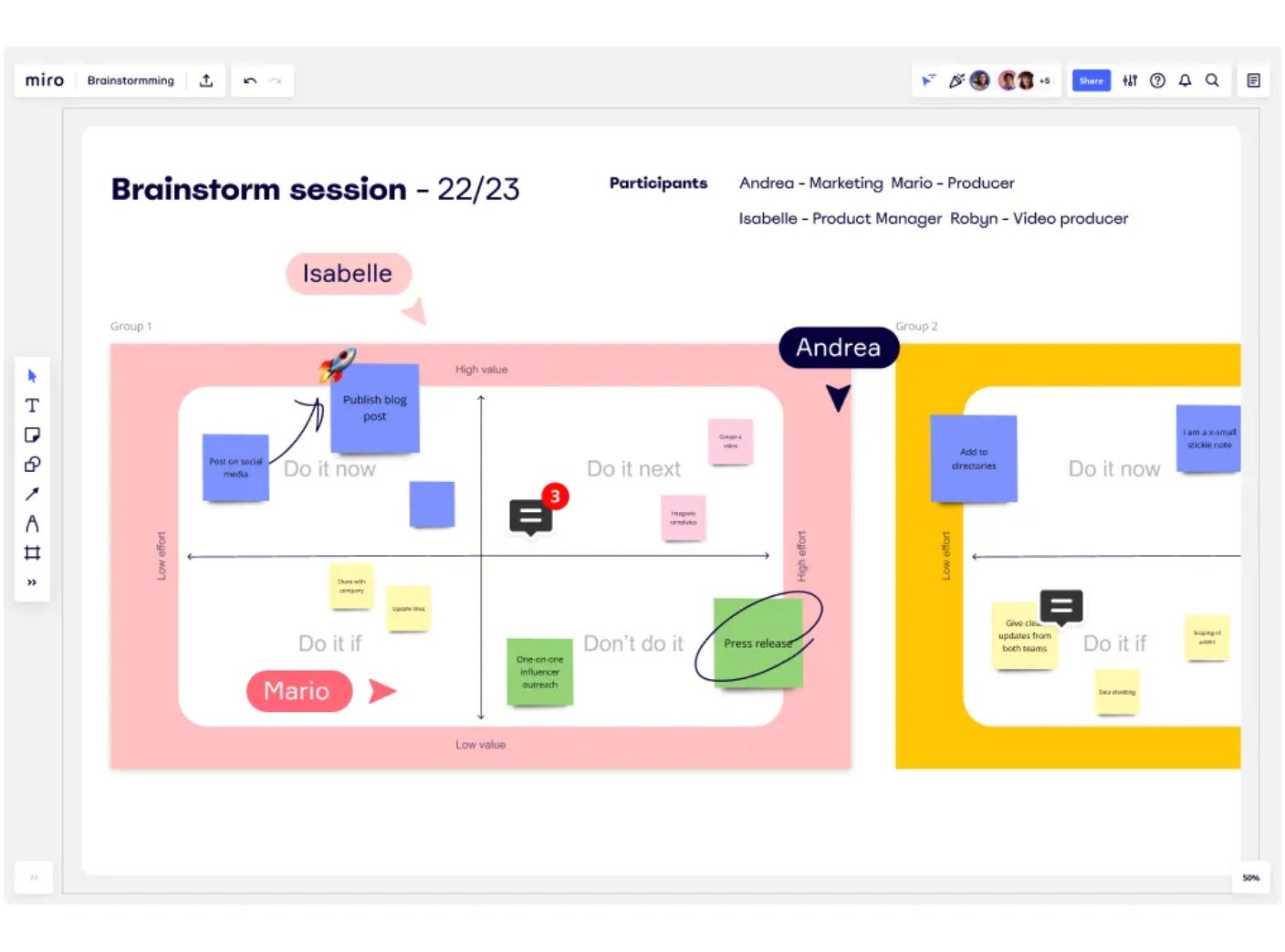
The winner: Miro
When I'm not quite ready for pixel-perfection, I find myself reaching for Miro. It's insane how many features they have packed into that tool. It can cover so many use cases that I simply cannot list here, but in the unlikely event you have not heard of it, I suggest checking it out the next time you need to wrangle people (or ideas) together
Alternatives
An interesting venture by Figma a couple of years back has proven to be an interesting choice. When Figjam arrived on the scene, I was sceptical given the market dominance of players like Miro but, with credit to them, they have managed to deliver a fun alternative that is lighter weight but packed with some nice little details. It’s definitely one to keep an eye on.
Email
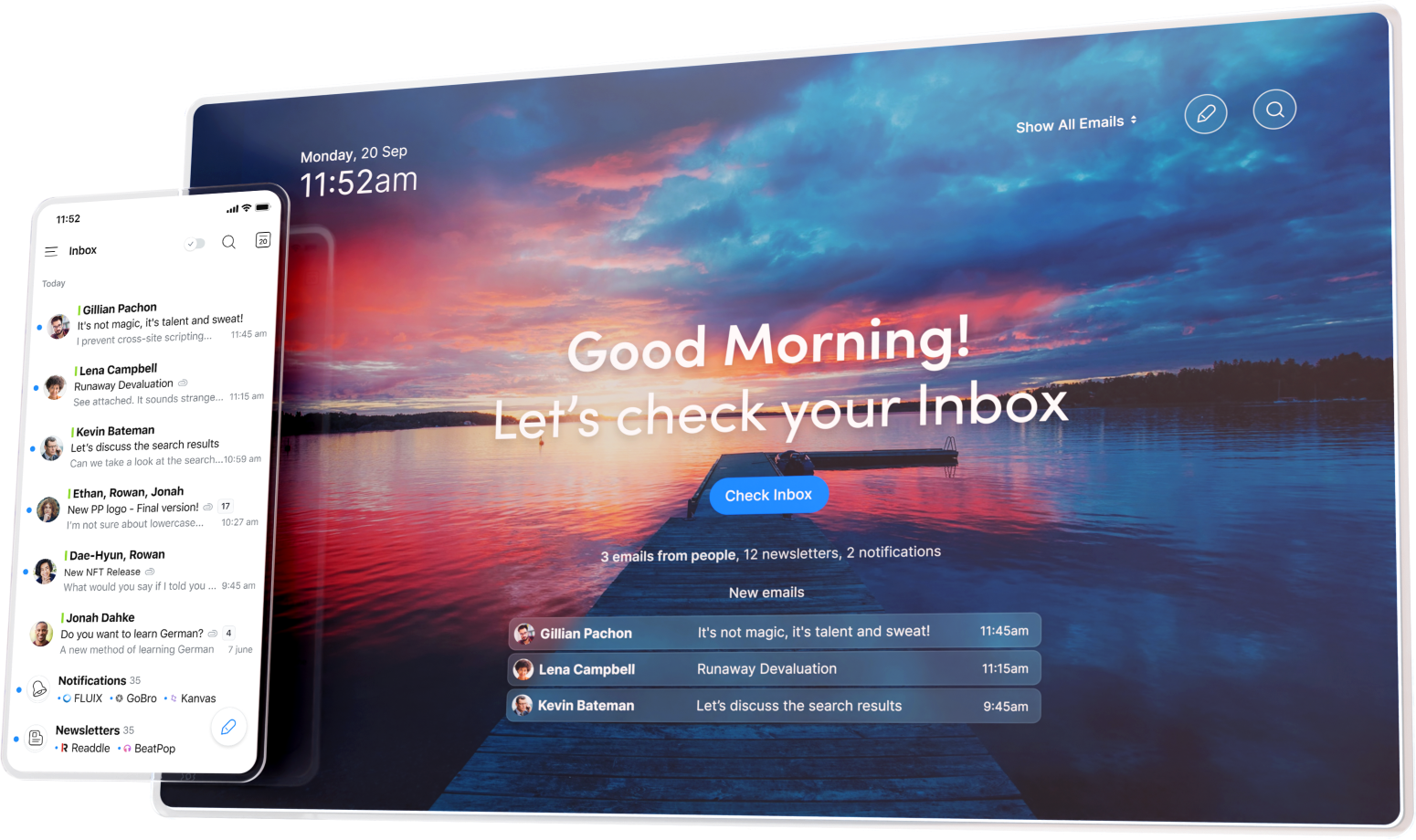
The winner: Spark
I know, I know. Email — yawn! But, it doesn't have to be that way. For years, I have tried many different email clients, looking for one that can seamlessly bring my work and personal emails into one place to avoid going back and forth throughout the day. Spark has now been my email client of choice for the last year and I'm pretty happy so far. It has all the features that I have liked from previous email clients plus a nice design that makes email less of a chore.
Alternatives
Prior to Spark, I had used Newton Mail which was a clean and simple email client that had enough power tools to merit paying for. For me the speed of being able to whizz through my inbox was priceless. And this was a fraction of the price that Superhuman were asking for something not all that different.
An interesting challenger in the email space that I tinkered with was Hey — brought to you by the makers of Basecamp. It's a fairly opinionated email client with some admirable takes on what an email client should do in 2023. I really love their approach to tackling some well-known problems but the fact that you have to give up your current email and switch to their proprietary @hey.com address was a blocker. I see now that they have opened up to allow for business emails.
Writing
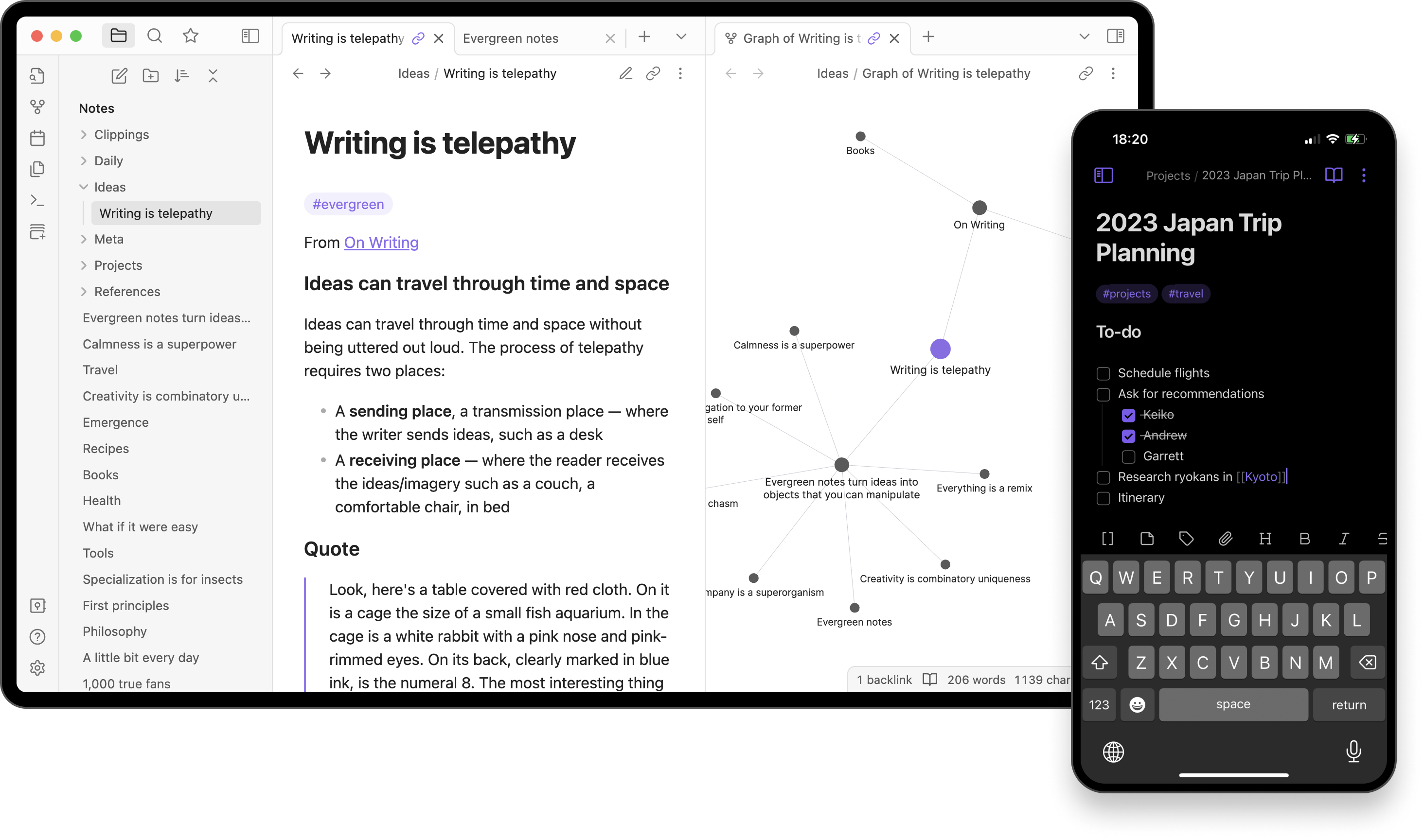
The winner: Obsidian
Similar to some of the other tools on this list, I cannot capture in one paragraph the power of this tool, but suffice it to say that it's been a game changer for both my professional and personal life.
One of the key draws was that as a personal knowledge base and somewhere that I wanted to capture key thoughts, notes, and other musings, the idea that everything is stored as markdown files and lives locally on my device gives me peace of mind over the proprietary hold that many other tools take on your data.
Alternatives
In previous companies, and for household projects, I have leaned heavily on Notion. When it arrived on the scene it offered a fresh new perspective on what a document tool could be. Though, it's much more than that. Using Notion extensively actually helped me to think more in relational ways and offered some powerful features to allow ad-hoc thoughts and findings into well-structured, related "databases".
Coding
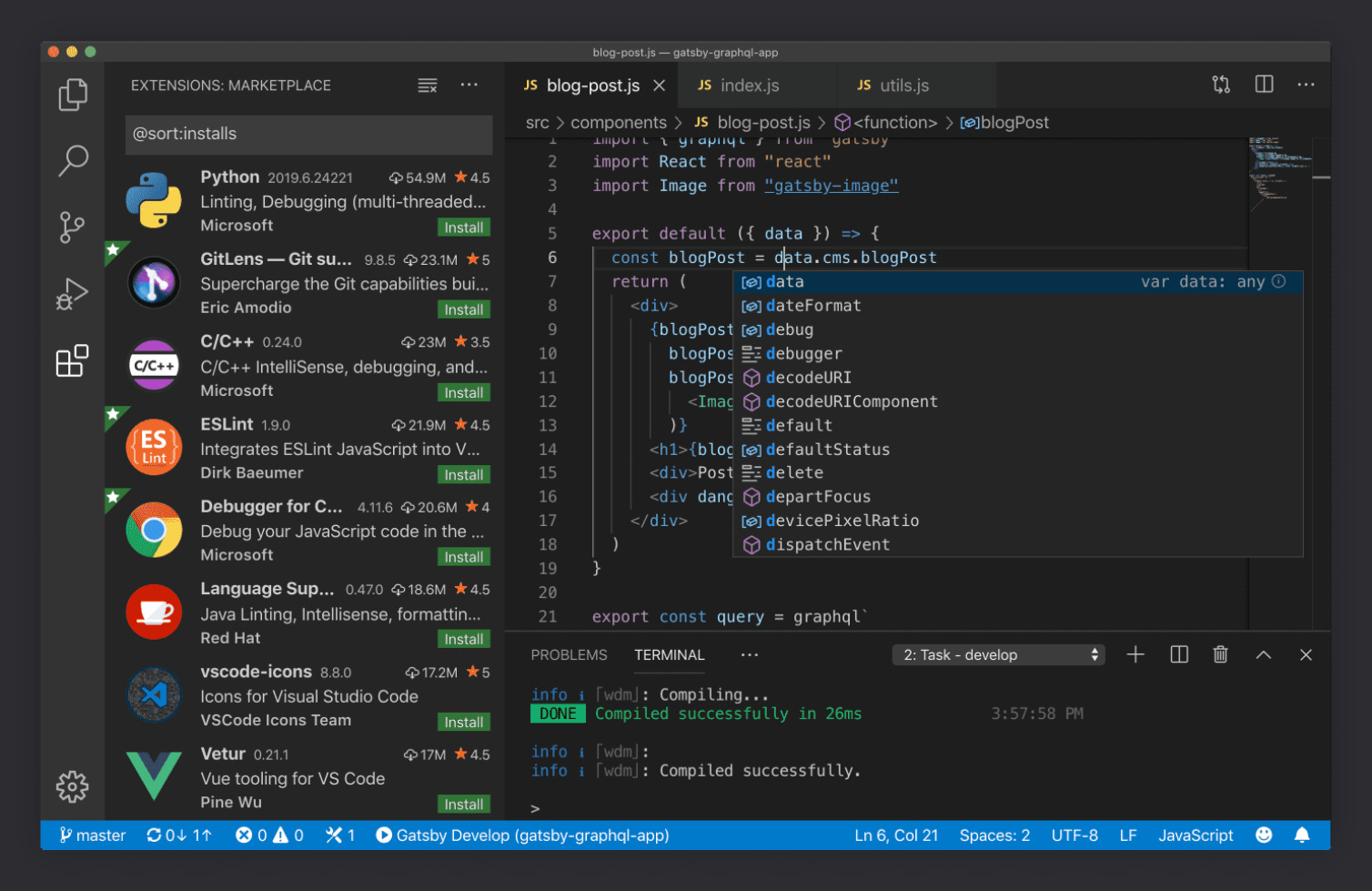
The winner: VS Code
It's not something I am doing all that often these days but when I do, I reach for VSCode. The extensive integrations and huge support, garnered by its mass adoption, allow you to customise the hell out of this tool to work the way that you do. I know that I have only scratched the surface of what's possible, but that alone has already been more than enough to keep me productive while in code mode.
Alternatives
Not too dissimilar to VSCode, Webstorm was a reliable coding partner for many years. I also leaned on its cousin, PHPStorm, when working on those old CMSs.
Bonus apps
With all the heavy hitters out of the way, I've rounded up some bonus apps to round off this article. These are ones which are less frequently used, but still immensely useful in my day-to-day pursuit of productivity paradise.
EagleApp for managing all the visual goodies I find on my travels of the internet
Grammarly for keeping my spelling in check
LastPass because my memory sucks
Campsite to stay up to date with my design team
CleanMyMac to keep the machine running smoothly
ImageOptim to squish those images
Dropbox Capture and Loom to capture and share recordings
Raycast for so many things…
Powering this week’s thoughts
Music plays such an important role when I am thinking, working, and reflecting. I also find it interesting to see what others are listening to. It's a gateway into an aspect of their personality. That's why I'd like to share, with each article, an artist or playlist that I have been listening to that week. Here's this week’s: